
Kvinta / Pictures
AI pictures for your business posts and website
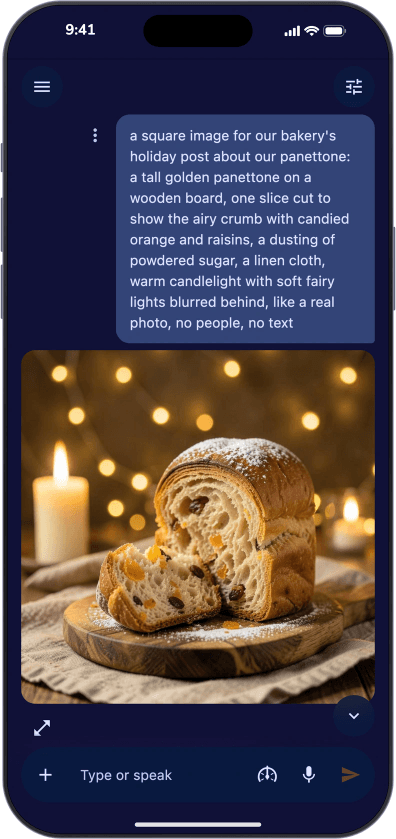
No photographer, no stock sites. Describe the product, the light and the setting, and Kvinta makes the picture in the size you need.
- Photo-like or illustrated
- Square, tall or wide
- Ask in your own words
- Coming soonApp Store
- Coming soonGoogle Play
- DownloadMac
How it works
- 1
Say what you need
Type it in your own words. Attach notes or files if you have them.
- 2
Kvinta does the work
It makes the picture, the page or the checklist from what you gave it.
- 3
Use it
Post it, print it or share it with your staff.
Try a request like this
“A square photo of our holiday panettone on a wooden counter, warm morning light, no people, no text.”
Common questions.
What kind of pictures can it make?
Photo-like scenes or illustrations: your product on a counter, a seasonal scene for a post, a drawing for a newsletter. Ask for no text, and add your own words when you post.
What sizes can it make?
Choose the shape in Settings: square for a feed, tall for a story, wide for a web banner.