
Kvinta / Website copy
Website copy written from your own notes
The part of the website everyone puts off. Paste your notes or attach your price list, and Kvinta writes the page: a headline, your services, how to book and answers to common questions.
- Written from what you give it
- Headline, sections and common questions
- Tell it what to leave out
- Coming soonApp Store
- Coming soonGoogle Play
- DownloadMac
How it works
- 1
Say what you need
Type it in your own words. Attach notes or files if you have them.
- 2
Kvinta does the work
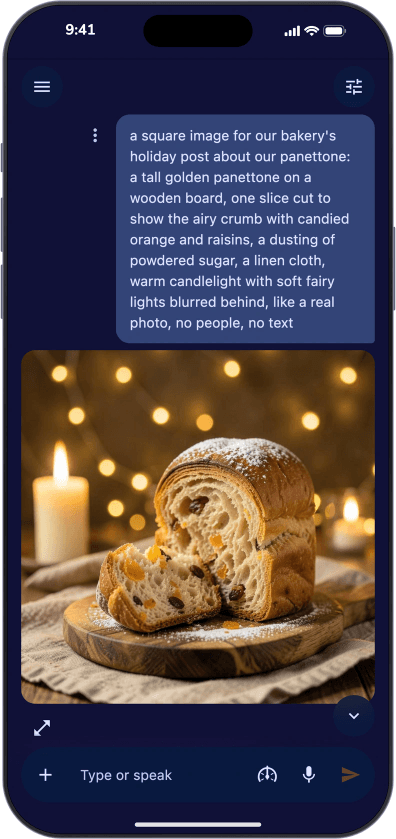
It makes the picture, the page or the checklist from what you gave it.
- 3
Use it
Post it, print it or share it with your staff.
Try a request like this
“Write the home page for my salon from these notes: services and prices, opening hours, how to book, what makes us different. Don’t promise anything we don’t offer.”
Common questions.
Will it make things up about my business?
It writes from the notes you give it. The more you tell it, the less it has to keep general. Read the page before you publish it, as you would any draft.
Can it write a landing page for one offer?
Yes. Describe the offer, who it is for and what they should do next, and it writes a page for that one thing.